Auto Click - Automatic Clicker

Auto Click - Automatic Clicker

10M+
downloads
Everyone
Age rating
Not listed
Size
★★★★★4.0
  • CategoryTools
  • PlatformAndroid
  • Rating4.0 / 5
  • Downloads10M+
  • AgeEveryone
  • SizeNot listed
App Guide & Decision Notes
Listing source: Google Play — Auto Click - Automatic Clicker. Checked 2026-10-22. Rating is from Google Play, not a SelfWander score. Research-based guidance; no hands-on test or verified user testimonials are claimed.

Choose a download option below for Auto Click - Automatic Clicker. The link opens the original store or download provider. Follow the provider’s installation instructions and check compatibility with your device.

Screenshots
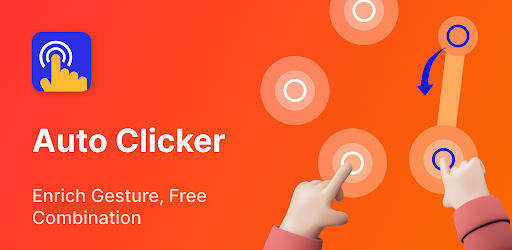
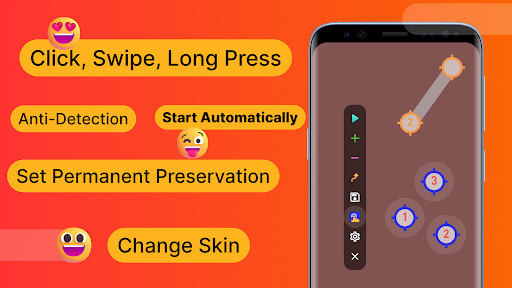
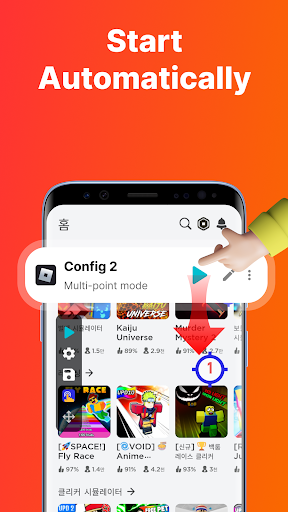
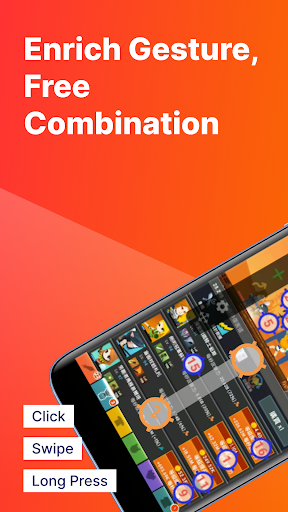
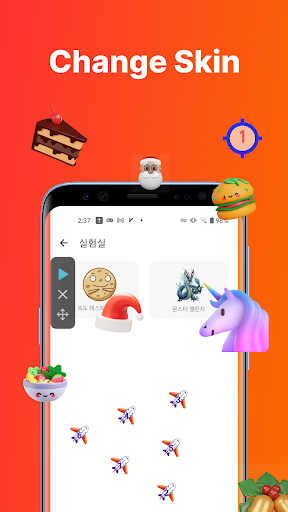
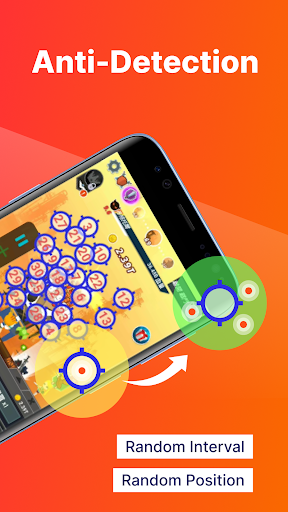
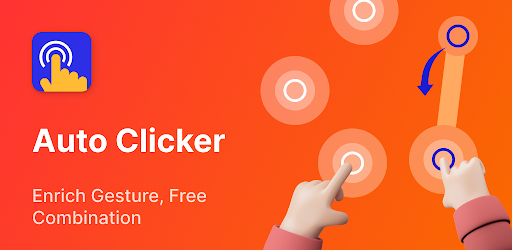
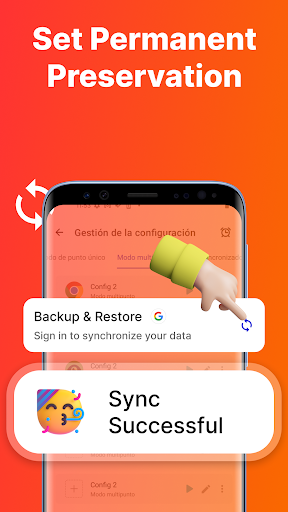
Auto Click - Automatic Clicker screenshot 1
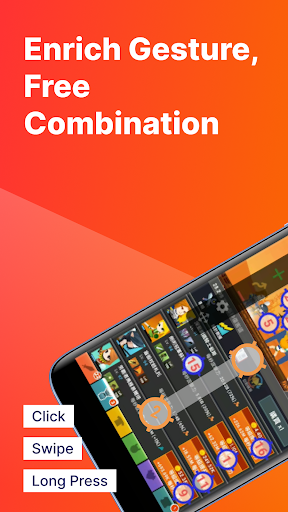
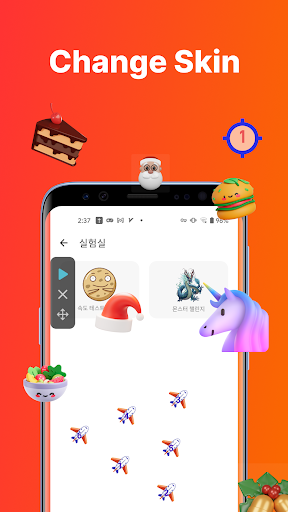
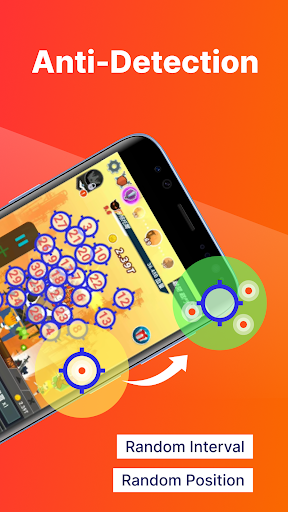
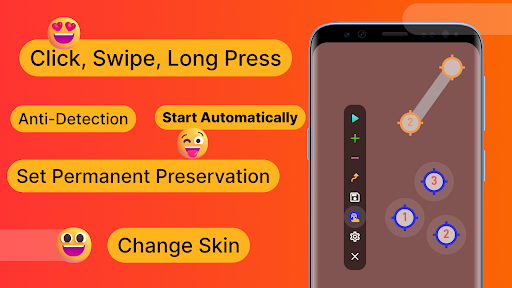
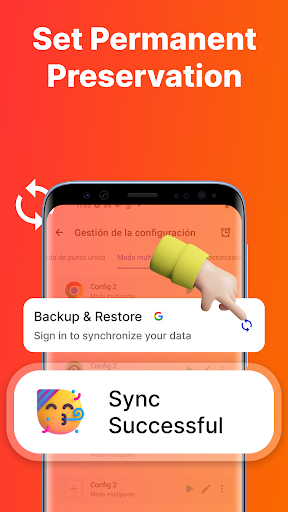
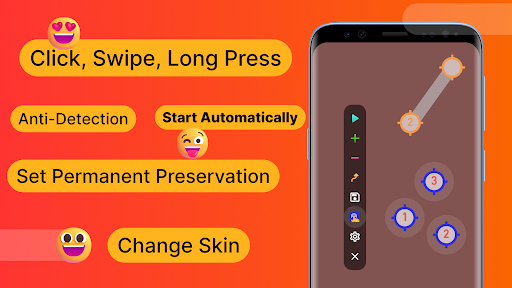
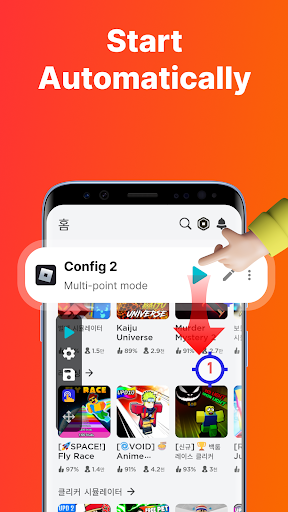
Auto Click - Automatic Clicker screenshot 2
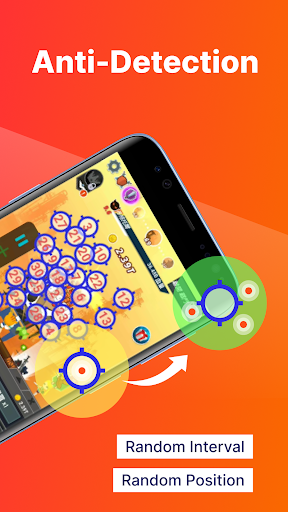
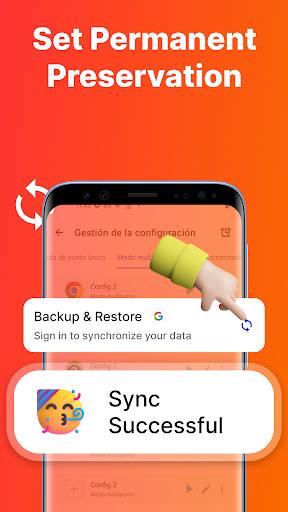
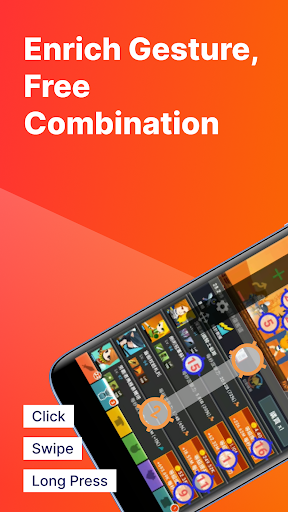
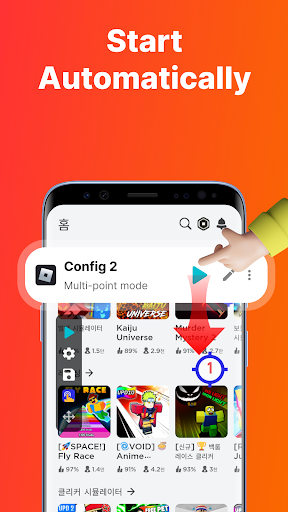
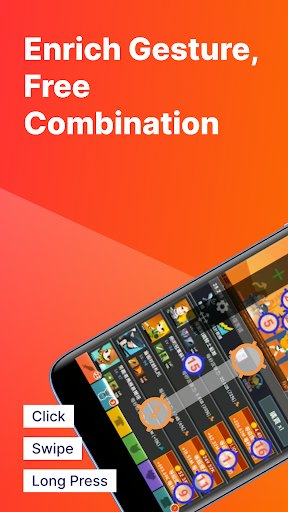
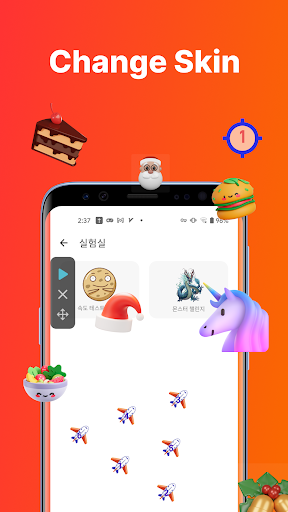
Auto Click - Automatic Clicker screenshot 3
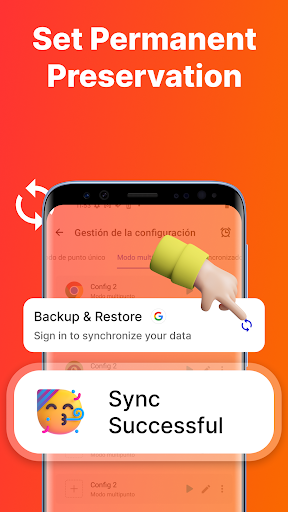
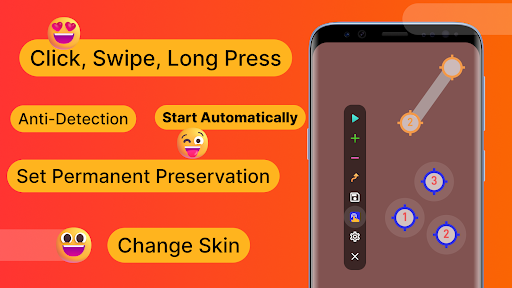
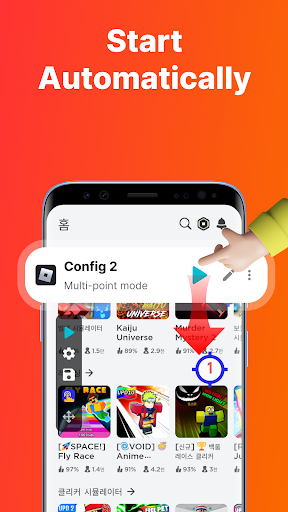
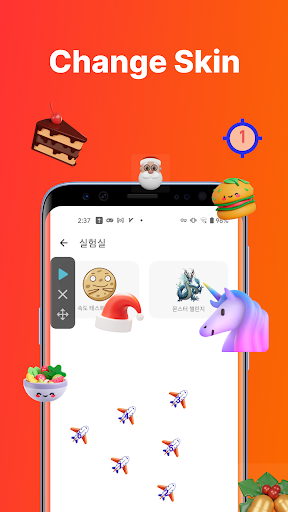
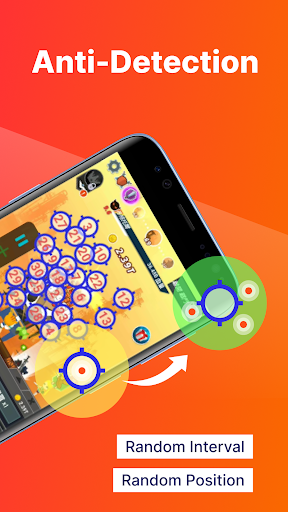
Auto Click - Automatic Clicker screenshot 4
Auto Click - Automatic Clicker screenshot 5
Auto Click - Automatic Clicker screenshot 6
Auto Click - Automatic Clicker screenshot 7
Auto Click - Automatic Clicker screenshot 8
Auto Click - Automatic Clicker screenshot 9
Auto Click - Automatic Clicker screenshot 10
Auto Click - Automatic Clicker screenshot 11
Auto Click - Automatic Clicker screenshot 12
Auto Click - Automatic Clicker screenshot 13
Auto Click - Automatic Clicker screenshot 14
Auto Click - Automatic Clicker screenshot 15
Auto Click - Automatic Clicker screenshot 16
Auto Click - Automatic Clicker screenshot 17
Auto Click - Automatic Clicker screenshot 18
Auto Click - Automatic Clicker screenshot 19
Auto Click - Automatic Clicker screenshot 20
Auto Click - Automatic Clicker screenshot 21
Auto Click - Automatic Clicker screenshot 22
Auto Click - Automatic Clicker screenshot 23
Auto Click - Automatic Clicker screenshot 24
Auto Click - Automatic Clicker screenshot 25
Auto Click - Automatic Clicker screenshot 26
Auto Click - Automatic Clicker screenshot 27
Auto Click - Automatic Clicker screenshot 28
Ratings
4.0
★★★★★

Rating breakdown is not provided by the source listing.

Getting Started

1. Review the app information and screenshots.

2. Choose the download option for your device.

3. Follow the instructions on the store or distributor’s page to install Auto Click - Automatic Clicker.